Evolution of Security in Web Frameworks
Web application security has evolved dramatically over the last three decades, responding to increasingly sophisticated threats and growing regulatory demands. This article traces that evolution, examining how security practices moved from afterthoughts to critical framework components.
The Security Paradox in Modern Frameworks
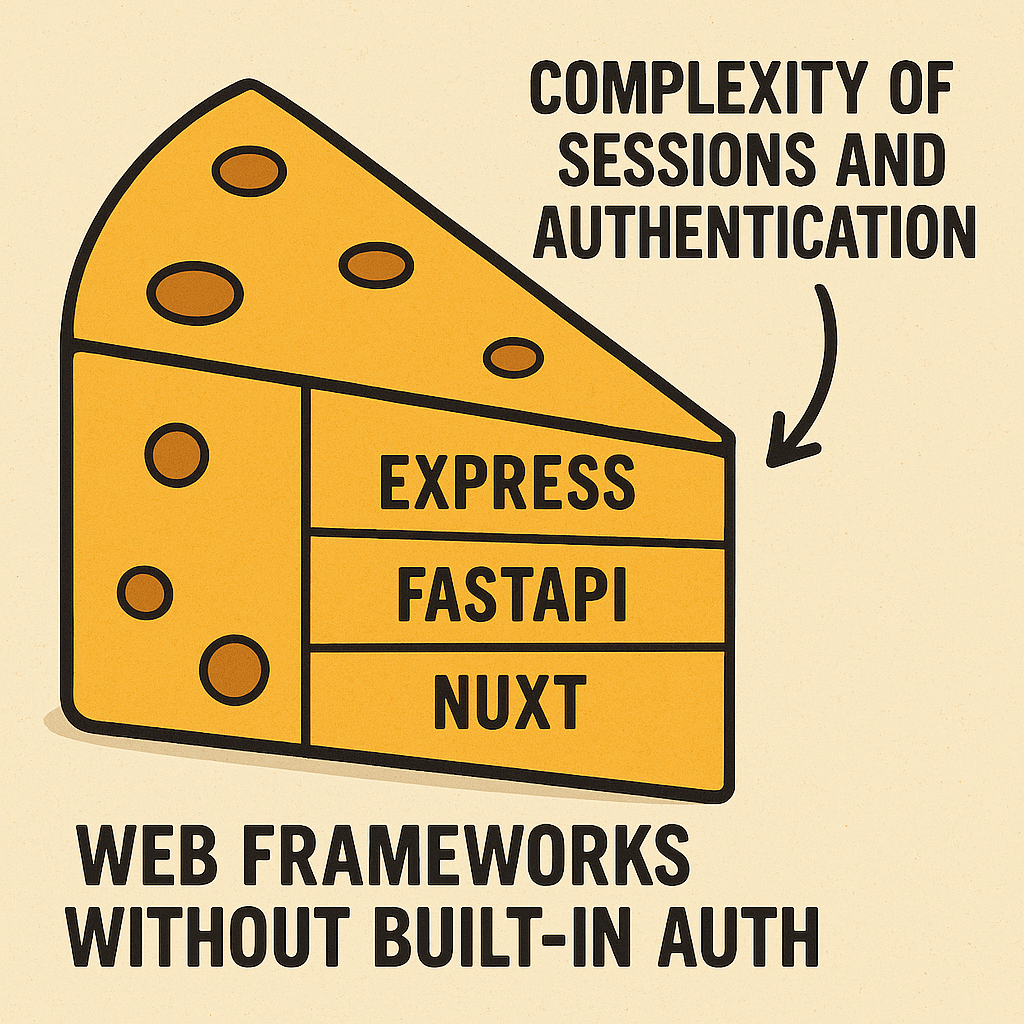
Popular modern frameworks intentionally omit authentication, leaving it to third-party solutions
Despite decades of security evolution, many popular web frameworks still don't include robust authentication systems out of the box. This design choice creates a paradox where frameworks handle complex routing, data management, and caching mechanisms, but leave developers to implement one of the most critical security components themselves.
This design decision isn't an oversight—it's intentional, reflecting both the complexity of authentication systems and the diverse authentication requirements across applications. The downside is that this approach can lead to security vulnerabilities when developers implement custom authentication solutions without sufficient expertise.
Early Web Security (1990-2000): The Wild West
The earliest web applications had minimal security concerns. Most were read-only information sites with little sensitive data. As interactive features emerged, security was typically addressed through basic measures:
Early Security Implementations
- Basic Authentication: Simple username/password checks without encryption
- Server-Level Security: Relying on web server configurations (like .htaccess files)
- Limited Exposure: Securing sensitive systems by simply not connecting them to public networks
# Basic CGI authentication in Perl (circa 1996) #!/usr/bin/perlprint "Content-type: text/html\n";
# Extremely basic auth check - no encryption, no protection against timing attacks my $username = param('username'); my $password = param('password');
if ($username eq "admin" && $password eq "secret123") { print "Location: admin_dashboard.cgi\n\n"; } else { print "\n<html><body><h1>Authentication Failed</h1></body></html>"; }
Early CGI scripts like this had numerous security flaws: hardcoded credentials, no encryption, and no protection against common attack vectors. These implementations were typical before security became a primary concern.
Framework Emergence Era (2000-2010): Security as an Add-on
As web applications grew more complex and attacks more sophisticated, early frameworks began incorporating security features:
First-Generation Framework Security
- Form Validation: Basic input checking to prevent simple injection attacks
- Session Management: Cookie-based authentication with server-side session storage
- Password Hashing: Simple hashing algorithms (often MD5, later SHA-1)
- SQL Escaping: String escaping to prevent basic SQL injection
# PHP security approach (circa 2005) <?php // Common security pattern in early PHP frameworks// 1. Escape user input to prevent SQL injection $username = mysql_real_escape_string($_POST['username']); $password = mysql_real_escape_string($_POST['password']);
// 2. Basic password hashing - insecure by modern standards $hashed_password = md5($password);
// 3. SQL query with escaped strings $query = "SELECT * FROM users WHERE username = '$username' AND password = '$hashed_password'"; $result = mysql_query($query);
// 4. Check if user exists and set session if (mysql_num_rows($result) > 0) { $_SESSION['user_id'] = mysql_result($result, 0, 'id'); $_SESSION['logged_in'] = true; } ?>
This era saw the introduction of more systematic security approaches, but they were often added to frameworks rather than designed as core components. MD5 hashing and simple SQL escaping provided only rudimentary protection.
Security Awareness Era (2010-2015): The OWASP Effect
A series of high-profile breaches and the growing influence of the OWASP Top 10 project raised awareness of web security vulnerabilities:
Common Vulnerabilities Addressed
- Cross-Site Scripting (XSS): Frameworks began auto-escaping output
- Cross-Site Request Forgery (CSRF): Token generation and validation
- SQL Injection: Parameterized queries and ORM adoption
- Password Storage: Specialized algorithms like bcrypt
- Session Fixation: Session regeneration on login/privilege changes
# Django security mechanisms (circa 2012) # In views.py from django.contrib.auth.decorators import login_required from django.views.decorators.csrf import csrf_protect from django.db import connection@login_required @csrf_protect def secure_view(request): # 1. Parameterized query prevents SQL injection with connection.cursor() as cursor: cursor.execute( "SELECT * FROM data WHERE user_id = %s", [request.user.id] ) results = cursor.fetchall()
# 2. Context with auto-escaping prevents XSS context = {'data': results} return render(request, 'template.html', context)
Frameworks of this era integrated security features more deeply, with Django being a notable example of prioritizing security by default. Auto-escaping templates to prevent XSS and CSRF protection became standard features.
Enterprise Security Era (2015-2020): Compliance & Standards
As web applications became critical infrastructure for businesses, enterprise security practices were integrated into development workflows:
Enterprise Security Improvements
- Environment Isolation: Separate development, staging, and production environments
- Approval Workflows: Code review requirements and controlled deployment processes
- Standardized Auth: OAuth, OpenID Connect, and JWT adoption
- Audit Logging: Comprehensive activity tracking for compliance
- Dependency Scanning: Automated vulnerability checking in dependencies
// Express.js with security middleware (circa 2018) const express = require('express'); const helmet = require('helmet'); // Security headers const rateLimit = require('express-rate-limit'); // Anti-DDoS const hpp = require('hpp'); // HTTP Parameter Pollution protection const mongoSanitize = require('express-mongo-sanitize'); // NoSQL injection prevention const xss = require('xss-clean'); // XSS protectionconst app = express();
// Security middleware stack app.use(helmet()); // Set various HTTP security headers app.use(mongoSanitize()); // Prevent NoSQL injection app.use(xss()); // Sanitize input app.use(hpp()); // Prevent HTTP Parameter Pollution
// Rate limiting to prevent brute force/DDoS app.use('/api', rateLimit({ windowMs: 15 * 60 * 1000, // 15 minutes max: 100 // Limit each IP to 100 requests per windowMs }));
app.use(express.json({ limit: '10kb' })); // Limit payload size
This era was characterized by the adoption of specialized security packages and complex middleware stacks. Frameworks themselves still often lacked comprehensive security features, relying instead on ecosystem libraries.
Modern Security Era (2020-Present): Defense in Depth
Current web security approaches emphasize multiple layers of protection and separation of concerns:
Modern Security Architecture
- Identity as a Service: Outsourcing authentication to specialized providers
- Zero Trust Architecture: Continuous verification at all access points
- API Security Gateways: Dedicated layers for API protection
- Content Security Policy (CSP): Controlling resource loading to prevent XSS
- Edge Security: Moving authentication closer to users with edge functions
// Next.js API route with modern security approaches (2023+) import { withAuth } from '@clerk/nextjs'; // Identity provider integration import { rateLimit } from '@/lib/rate-limit';// Apply rate limiting middleware const limiter = rateLimit({ interval: 60 * 1000, // 1 minute uniqueTokenPerInterval: 500 });
// Protected API route using an external auth provider export default withAuth(async function handler(req, res) { try { // Rate limiting check await limiter.check(res, 20, 'CACHE_TOKEN'); // 20 requests per minute per token
// Get authenticated user from auth middleware const { userId } = req.auth;
// Application logic with guaranteed authenticated user const userData = await prisma.user.findUnique({ where: { id: userId }, select: { // Explicit field selection prevents overfetching id: true, name: true, role: true } });
// Response with appropriate cache headers res.setHeader('Cache-Control', 'private, max-age=60'); return res.status(200).json(userData); } catch (error) { // Structured error response return res.status(error.statusCode || 500).json({ error: { message: error.message } }); } });
// Explicitly declare which HTTP methods are allowed export const config = { api: { bodyParser: { sizeLimit: '1mb' }, methods: ['GET'] } };
Modern approaches typically involve specialized auth providers, rate limiting, and multiple layers of protection. The complexity of proper security implementation has led many frameworks to defer authentication to dedicated services rather than building it in.
Enterprise Security Practices
Enterprise environments implement additional layers of security that extend beyond the application code:
Environment Isolation and Protection
- Development Environment: Where developers build and test locally with dummy data
- Staging Environment: A production replica for testing with realistic but sanitized data
- Production Environment: The live system with restricted access and heightened security
Each environment typically has:
- Different access credentials and permissions
- Separate databases with appropriate data sensitivity levels
- Network isolation to prevent unauthorized access
- Automated security scanning appropriate to the environment
# Example Docker Compose setup demonstrating environment-specific configurations # docker-compose.production.yml version: '3.8'services: web: image: ${DOCKER_REGISTRY}/myapp:${TAG} environment: NODE_ENV: production DATABASE_URL: ${PROD_DB_URL} deploy: replicas: 3 update_config: order: start-first restart_policy: condition: any networks:
- production-network
secrets:
- prod_api_key
- ssl_cert
api_gateway: image: ${DOCKER_REGISTRY}/gateway:${TAG} ports:
- "443:443"
environment: RATE_LIMIT: 100 ENABLE_WAF: "true" networks:
- production-network
- public-network
networks: production-network: internal: true # No direct external access public-network: driver: overlay
secrets: prod_api_key: external: true ssl_cert: external: true
Approval and Deployment Workflows
Enterprise environments implement rigorous control processes:
- Code Review Requirements: Mandatory peer review with security checklist
- Automated Security Scanning: SAST/DAST tools run in CI/CD pipelines
- Separation of Duties: Different personnel for development vs. deployment
- Change Management: Formal approval process for production changes
- Audit Trail: Comprehensive logging of all system changes
# Example GitHub Actions workflow with security checks # .github/workflows/production-deploy.yml name: Production Deploymenton: push: branches: [main]
jobs: security-scan: runs-on: ubuntu-latest steps:
- uses: actions/checkout@v3
- name: Run Dependency Scanning
uses: snyk/actions/node@master with: args: --severity-threshold=high env: SNYK_TOKEN: ${secrets.SNYK_TOKEN}
- name: Static Code Analysis
run: npx eslint . --config .eslint-security.json
- name: OWASP ZAP Scan
uses: zaproxy/[email protected] with: target: 'https://staging.example.com'
deploy: needs: security-scan runs-on: ubuntu-latest environment: production # Requires approval from authorized user steps:
- uses: actions/checkout@v3
- name: Production Build
run: npm ci && npm run build
- name: Deploy to Production
uses: some-deploy-action@v1 with: api-key: ${secrets.PRODUCTION_DEPLOY_KEY}
The Authentication Paradox in Modern Frameworks
Despite advances in other security areas, many popular modern frameworks still defer authentication to third-party solutions:
Why Frameworks Avoid Built-in Authentication
- Complexity: Proper authentication requires handling numerous edge cases
- Rapid Evolution: Authentication standards and best practices change quickly
- Diverse Requirements: Different applications need different auth approaches
- Specialization: Auth-specific services can focus entirely on security
- Liability Concerns: Framework maintainers may not want security responsibility
Common authentication approaches in modern applications:
- Auth Provider Services: Auth0, Okta, Clerk, Firebase Auth
- Identity Standards: OAuth 2.0, OpenID Connect, SAML
- Token-based Systems: JWT with regular rotation and proper validation
- Social Authentication: Delegating to Google, GitHub, etc.
- Specialized Auth Packages: Framework-specific libraries that handle auth details
Security Evolution Timeline
| Era | Period | Key Developments | Primary Threats |
|---|---|---|---|
| Basic Web | 1990-2000 | Basic HTTP Auth, .htaccess files | Directory traversal, simple injections |
| Early Frameworks | 2000-2010 | Session management, basic input validation | SQL injection, XSS, session hijacking |
| Security Awareness | 2010-2015 | CSRF protection, secure password storage | CSRF, sophisticated XSS, password database breaches |
| Enterprise Security | 2015-2020 | OAuth, security headers, WAFs | API vulnerabilities, NPM supply chain attacks |
| Modern Security | 2020-present | Zero trust, auth services, CSP | Sophisticated supply chain attacks, credential stuffing |
Conclusion: The Security Maturity Journey
Web framework security has evolved from basic password checks to sophisticated multi-layered defenses. The modern approach recognizes that security is too important and complex to implement casually, leading to specialized solutions and a greater emphasis on security expertise.
Despite this progress, the greatest security challenge remains human factors—ensuring developers understand and properly implement the security tools available to them. While frameworks can provide guardrails, truly secure applications require ongoing security education and a proactive approach to threat modeling.